How do you hand off a business-shirt size chart from factory sample to Amazon?
Freeze the sample revision, measurement points, method, and units first. Then keep garment measurements, body-measurement references, brand label sizes, and Amazon US buyer-selectable sizes as four separate data layers. A sample’s measured dimensions should not be copied directly into the product’s size options; they need a size-run review, a product-page preview, and a bulk-label check.
If you are still assembling a private-label production brief, start with the Amazon business-shirt OEM sourcing guide. This article focuses on the specific transfer from sample measurements to a product-page size chart.
Freeze the sample revision, method, and units
Every measurement record should identify one specific sample. Record the style number, sample revision, sample size, color, fabric lot, make date, care state, and measurement-method version. When a sample changes, assign a new revision and keep the previous record as history instead of overwriting it as the bulk reference.
Include a point-of-measure diagram with the measurement sheet. Label each point with its start and end locations and measurement path, and state whether the sample is laid flat or worn, buttoned or open, and before or after any care step. Also record how the tape is positioned. If a measurement must be repeated or read under a particular procedure, follow the method agreed by both parties.
| Business-shirt point | What to make explicit in the record |
|---|---|
| Neck | Separate body neck measurement, brand neck-size label, and finished collar-band measurement; state which one is recorded, the path, and the collar state |
| Sleeve length | Mark the start and end points, such as the specified shoulder seam or point to the cuff; state whether the path follows the sleeve or a diagram |
| Chest | State the height of the point, whether it is a flat garment width or body circumference, and whether the garment is fastened; if using a flat width, say whether it is width or circumference |
| Body length | Identify the front or back, the start point and hem endpoint, and whether the line is straight or follows the garment |
These are examples of fields to define, not universal industry measurement methods. The buyer and factory should agree on the method and tolerances for the style in the tech pack or specification diagram; do not let different reviewers fill in points from personal habit.
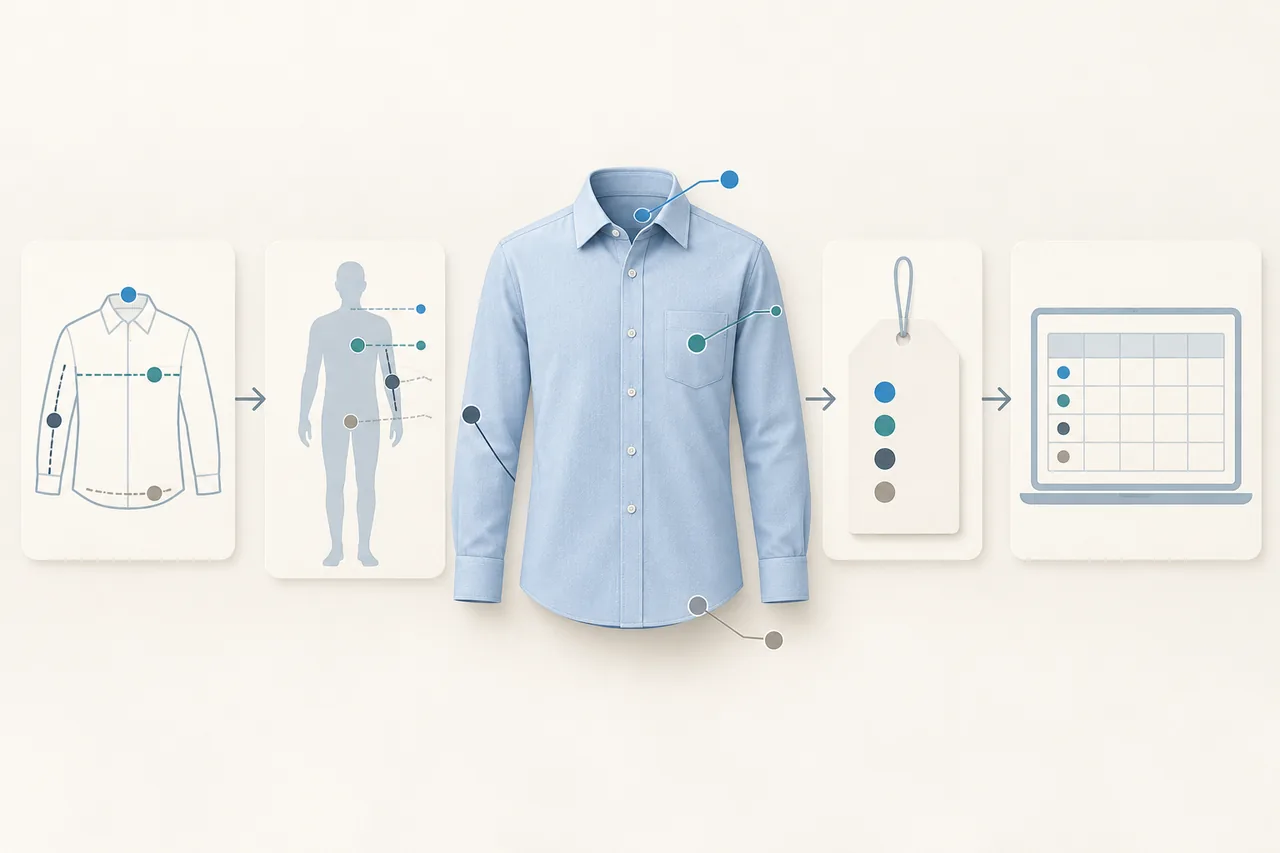
Keep the four size-data layers separate
| Data layer | What it records | Main use and owner |
|---|---|---|
| Garment measurements | Actual sample readings by point, target values, and agreed tolerances | Factory sampling, pattern revisions, size-run and bulk checks; approved jointly by buyer and supplier |
| Body-size reference | Intended wearer measurements and the range a size is designed to fit | Brand defines size coverage and fit position; it is not the same as flat garment measurements |
| Brand label size | S, M, L, a neck-size label, or another brand designation | Brand controls label content and keeps it aligned with the approved size map |
| Amazon US local size | The size a buyer sees and selects, plus the product’s size-chart information | Seller completes the template for the relevant product type and matches the local size to the selection option |
The brand’s size map should connect each label size to an approved size row. Do not treat a label number as a body measurement, or rename a sample reading as the size a buyer should select. For the wider record handoff from sealed sample to bulk, see the shirt sample-to-bulk consistency checklist.
Review the base size and the full size run
Choose the style’s base size and compare its sample readings with the target specification point by point. Then create a separate row for each size with its target measurement, sample reading, difference, grading rule, and approval status. The brand and factory should agree on grading based on the intended fit; do not mechanically copy one size’s adjustment to every point or size.
At minimum, check that measurement points and methods stay consistent across sizes, label-to-size mappings do not shift, and the size order buyers see matches the brand’s plan. If a reading changes, return to the sample revision and point diagram before deciding whether to revise the pattern, specification, or size map.
Convert centimeters and inches without changing the size label
The U.S. National Institute of Standards and Technology (NIST) lists 1 inch as exactly 2.54 centimeters. NIST unit-conversion table
For a teaching example, a 60 cm garment length converts to 60 ÷ 2.54 = 23.62 inches. That is a unit conversion only; it does not automatically change a brand size into another size. Keep the original unit and reading in the measurement log, then format, round, or display it as the Amazon template requires. This avoids repeated conversions between the factory sheet, brand size map, and product chart.
Check the Amazon US chart against the product type
The Amazon guidance below was checked against official US-store help on October 23, 2026. Before listing, review the current template and preview provided for the ASIN, product type and account.
Amazon US help says the local size in a size chart is the size the buyer actually selects and should match the product’s size dropdown. If the manufacturer or garment label uses another size format, provide the corresponding label size and dimensions. Measurements should fit the product type and use the local units required for the marketplace. Amazon: Information to include in your size chart
Amazon’s size-chart self-serve tool supplies a template based on the ASIN’s department and product type. The template unit may differ from the unit shown on the detail page because the page converts the same measurements automatically. Follow the template units and review the preview before publishing. The preview can flag missing body measurements, unit issues, or garment measurements entered where body measurements are expected. Use the current template for that ASIN instead of guessing fields from another product type. Amazon: Size chart self-serve tool
The chart and the product’s size options should agree, but the factory’s internal garment-measurement sheet is not automatically the Amazon size chart. First identify which body measurements, size options, and product-specific measurements the template requests, then map brand sizes to the correct buyer options. For a related review of garment sizes, labels, and acceptance, see the corporate work-shirt sizing and acceptance guide.
Fit Insights is a separate sizing and returns-analysis tool, not a prerequisite for creating a size chart. Amazon US says it is available to apparel and shoe brands enrolled in Brand Registry; products with no units shipped in the last 12 months cannot access it. Use the ASIN-specific template and page preview for the size-chart handoff rather than assuming every new seller can use Fit Insights. Amazon: Fit Insights tool
Complete four checks before the bulk handoff
- Sample record: confirm the sample revision, base size, point diagram, readings, units, sample state, and approver; issue a new revision when the sample changes.
- Size-run review: compare target and measured values, grading rules, label sizes, and local-size mappings for every size; verify they use the same method.
- Product-page review: download the current template for the ASIN and product type, check that size options match, units are consistent, body references and garment measurements are separated, and review the page preview item by item.
- Bulk-label review: before production, compare label sizes and packing information with the approved size map; check the first bulk piece and each size against the same measurement diagram and label mapping.
Keep one final size chart that both parties can identify by revision and approval date. Use it as the shared reference for sampling, page setup, label production, and acceptance. Mingsheng is a custom shirt manufacturer in Dachen Town, Yiwu, Zhejiang, and can develop shirt patterns and sizing from a customer size chart, sample, or Tech Pack. Once the style reference, target size range, and measurement points are ready, submit them through the shirt OEM/ODM development service.
Frequently Asked Questions
Can factory sample measurements be copied directly into an Amazon size chart?
No. A sample record contains measured garment dimensions. A product size chart also needs the target body-size reference, buyer-selectable sizes, and a mapping to the garment’s label sizes.
Are a shirt neck measurement and the collar-band measurement the same?
No. A neck measurement may refer to the wearer, while collar-band measurement refers to the garment and a neck-size label is a brand designation. Define each use, point, and method separately.
Does converting centimeters to inches change a brand size?
No. One inch equals 2.54 centimeters; conversion changes the unit, not the brand size or the body-fit range.
Can every new seller use Fit Insights?
No. Amazon US says Fit Insights is for apparel and shoe brands enrolled in Brand Registry; products with no units shipped in the last 12 months cannot access it.